> ## Documentation Index
> Fetch the complete documentation index at: https://docs.benefitflow.com/llms.txt
> Use this file to discover all available pages before exploring further.
# August 2026 Product Updates
> The BenefitFlow MCP and CRM Enrichment go GA, richer employer profiles, and sharper filters and search.
BenefitFlow Users,
Big upgrades this month! Your data now works inside the AI assistant you already use, CRM Enrichment is generally available, and employer profiles and search both got a lot better. Here's what's new 👇
### The BenefitFlow MCP is now GA
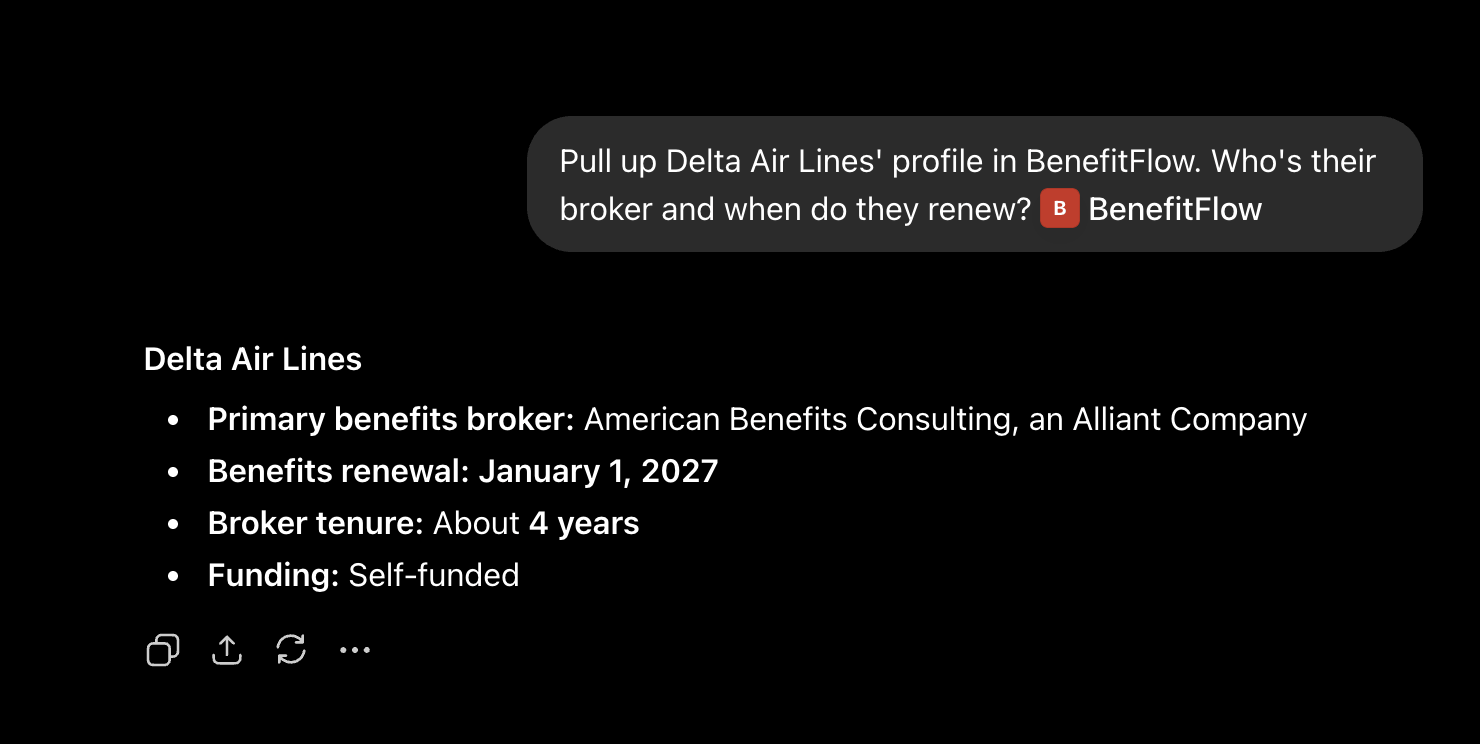
Pull BenefitFlow data straight into Claude, ChatGPT, or whatever AI assistant you use. Ask about a company and get firmographics, contacts, and signals without leaving your assistant.
 * Available to every customer on every plan, not a paid add-on
* Unlocking contacts works just like the app, using your existing credits
* Each user connects it in a couple of minutes
Set up the MCP in your assistant and start pulling BenefitFlow data
### CRM Enrichment is now GA
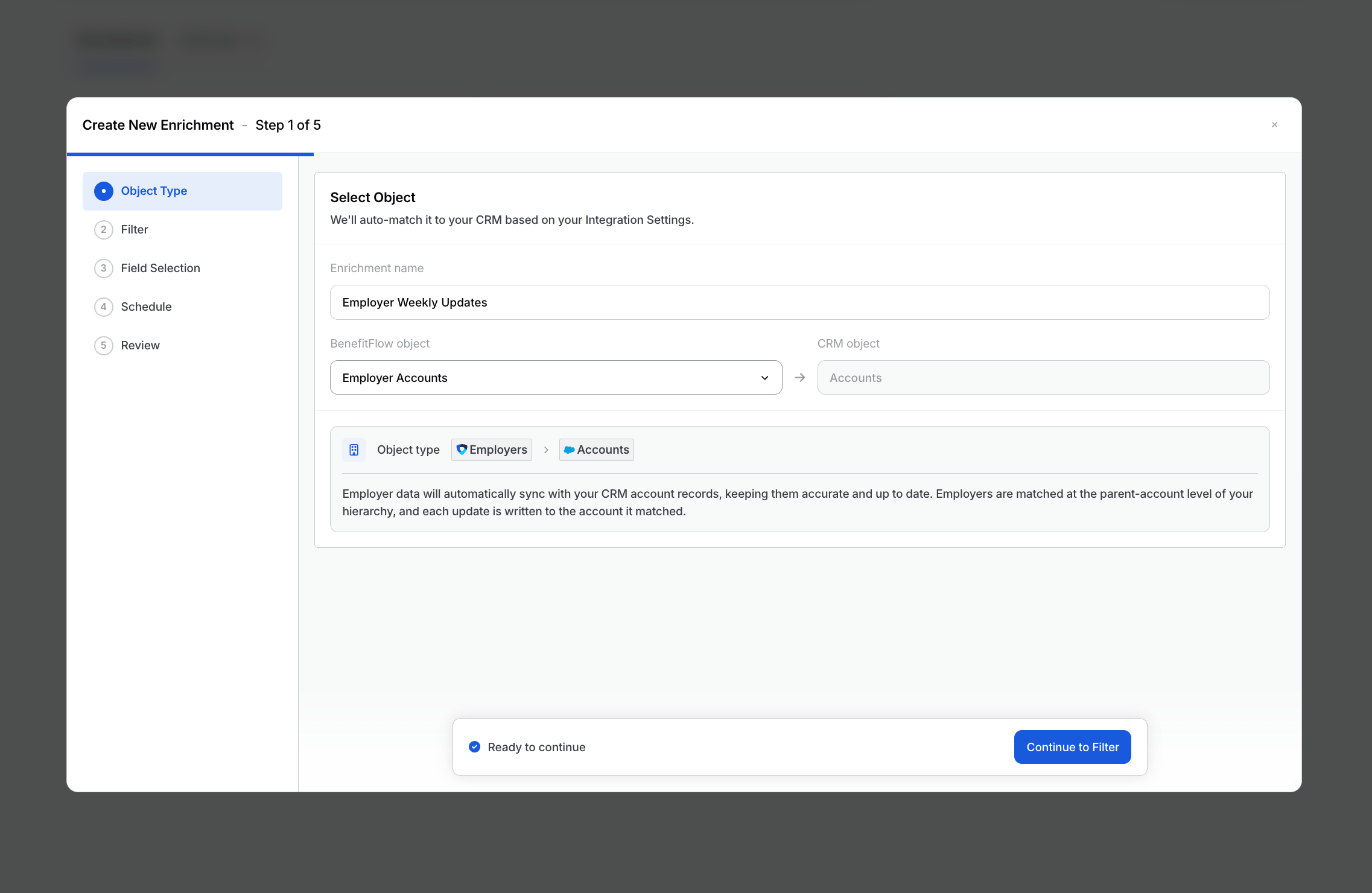
Enrichment keeps the records you already have in your CRM up to date, on a schedule you set. It now covers both employer accounts and contacts, matched to Salesforce, HubSpot, or Dynamics from your Integration Settings.
Enrich is turned on per team. If you'd like it, talk to your CSM.
* Available to every customer on every plan, not a paid add-on
* Unlocking contacts works just like the app, using your existing credits
* Each user connects it in a couple of minutes
Set up the MCP in your assistant and start pulling BenefitFlow data
### CRM Enrichment is now GA
Enrichment keeps the records you already have in your CRM up to date, on a schedule you set. It now covers both employer accounts and contacts, matched to Salesforce, HubSpot, or Dynamics from your Integration Settings.
Enrich is turned on per team. If you'd like it, talk to your CSM.
 How Enrich works and how to set it up
### Employer profiles, upgraded
The employer profile now shows what you need to know about an account at a glance, and FlowPilot reads all of it.
How Enrich works and how to set it up
### Employer profiles, upgraded
The employer profile now shows what you need to know about an account at a glance, and FlowPilot reads all of it.
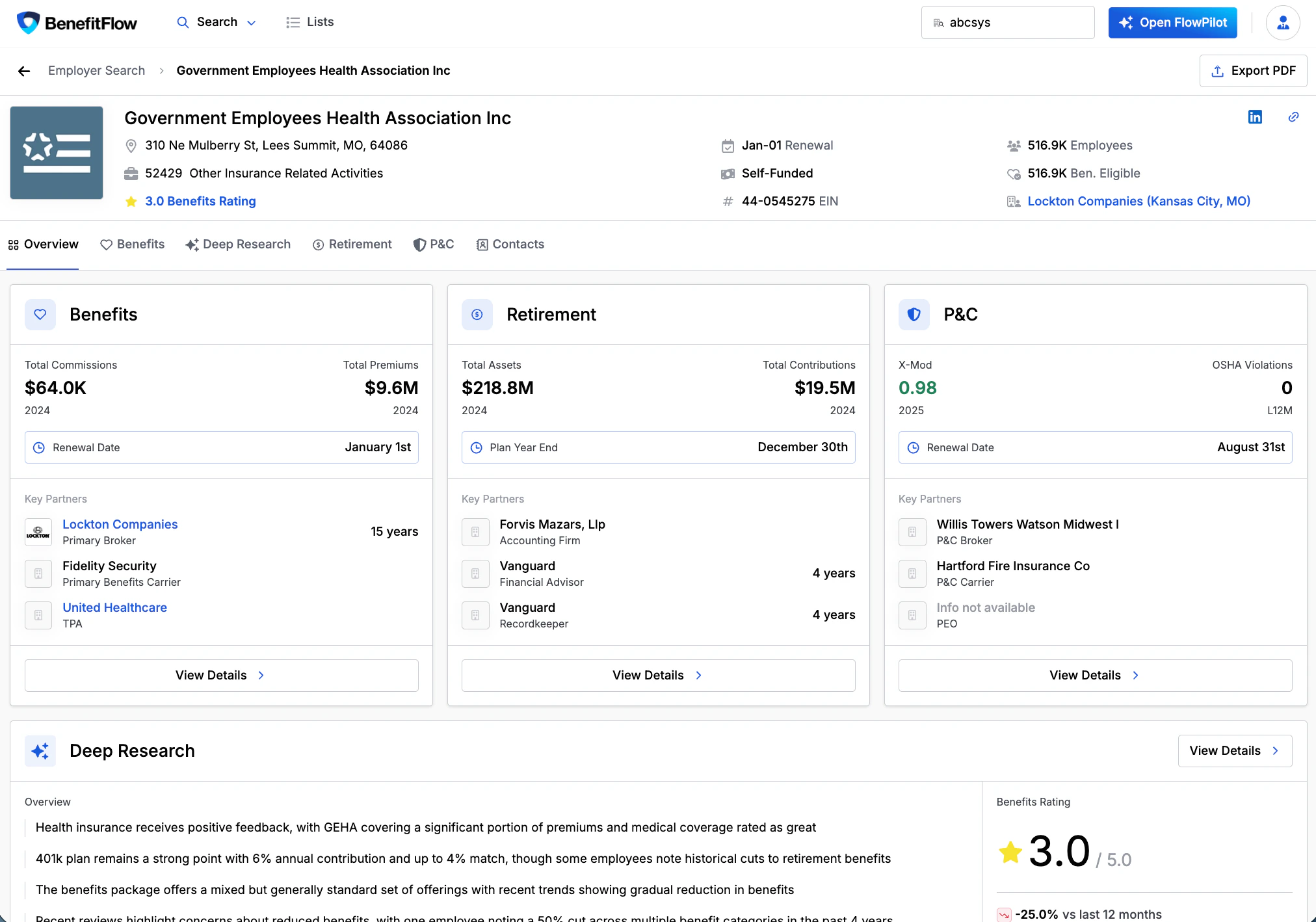 * Company **Overview** includes description, revenue, founded date, company type, domains, subsidiaries, and key contacts
* **Workforce** shows headcount by geography and role, hiring trends, and job postings
* **Funding & News** covers funding events, acquisitions, and recent news
### Sharper filters and search
Building a target list got faster.
* Company **Overview** includes description, revenue, founded date, company type, domains, subsidiaries, and key contacts
* **Workforce** shows headcount by geography and role, hiring trends, and job postings
* **Funding & News** covers funding events, acquisitions, and recent news
### Sharper filters and search
Building a target list got faster.
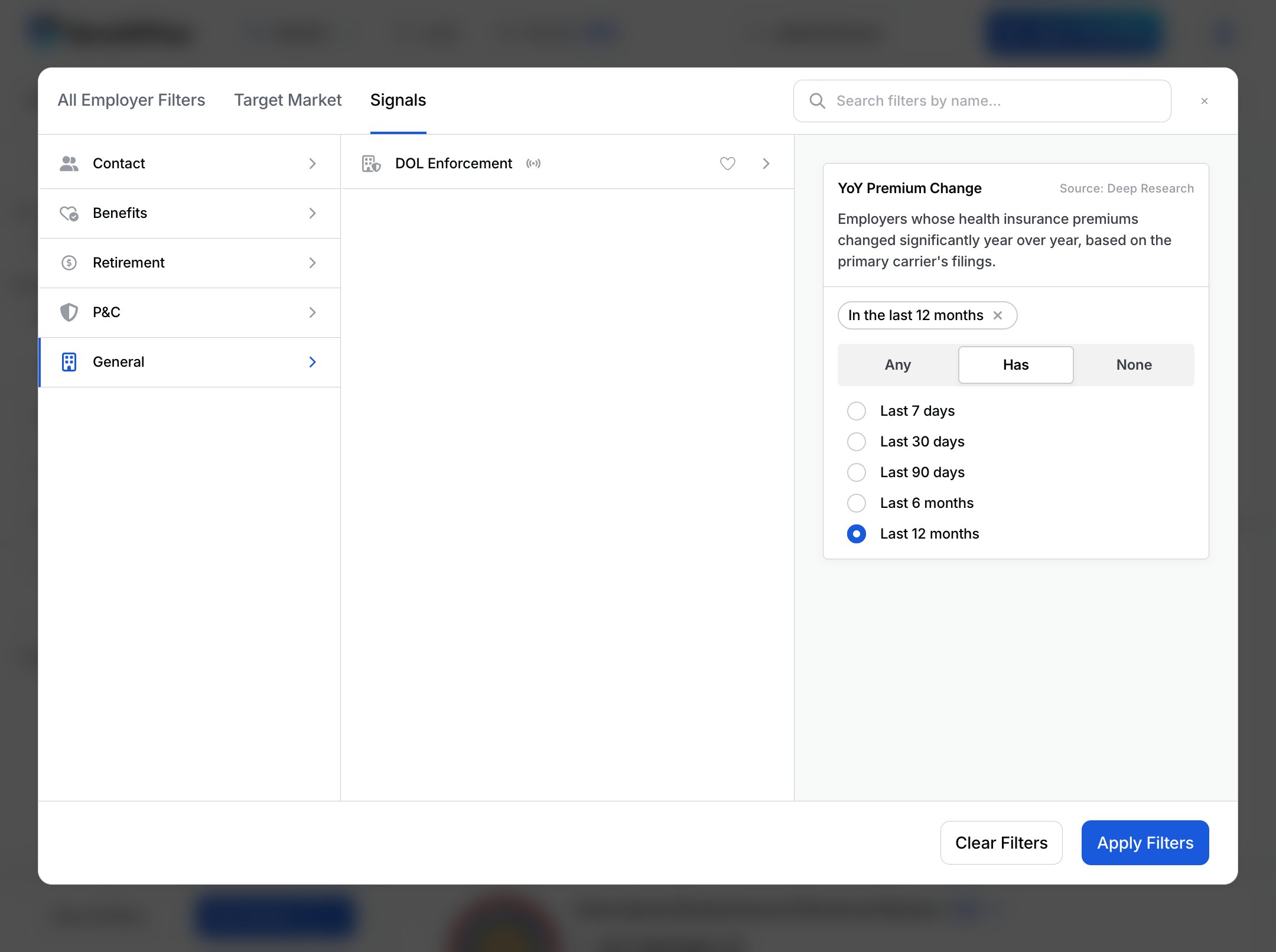 * **Signal Filters:** filter Employer and Broker search by 20+ signals (renewals, carrier or broker switches, compliance), with a recency window
* **Sharper location search:** cities, states, and multi-state regions resolve more accurately, in both search and FlowPilot
* **CRM Filter on employers:** find whitespace with *Not in CRM*, or skip accounts you already have with *In CRM*. [Learn more](/knowledge-base/crm-filter)
* **Service Provider filter:** find employers by the recordkeepers, TPAs, and consultants that serve them
* **Smarter matching:** better multi-word name search, bulk company matching, and a Best match default sort
### One more thing
Ask FlowPilot how something works and it now answers straight from our help docs.
### Thanks for reading!
Questions? Reach out anytime.
\- The BenefitFlow Team
* **Signal Filters:** filter Employer and Broker search by 20+ signals (renewals, carrier or broker switches, compliance), with a recency window
* **Sharper location search:** cities, states, and multi-state regions resolve more accurately, in both search and FlowPilot
* **CRM Filter on employers:** find whitespace with *Not in CRM*, or skip accounts you already have with *In CRM*. [Learn more](/knowledge-base/crm-filter)
* **Service Provider filter:** find employers by the recordkeepers, TPAs, and consultants that serve them
* **Smarter matching:** better multi-word name search, bulk company matching, and a Best match default sort
### One more thing
Ask FlowPilot how something works and it now answers straight from our help docs.
### Thanks for reading!
Questions? Reach out anytime.
\- The BenefitFlow Team