> ## Documentation Index
> Fetch the complete documentation index at: https://docs.benefitflow.com/llms.txt
> Use this file to discover all available pages before exploring further.
# Signing in to BenefitFlow
> How to sign in to BenefitFlow with a one-time email code. No password required.
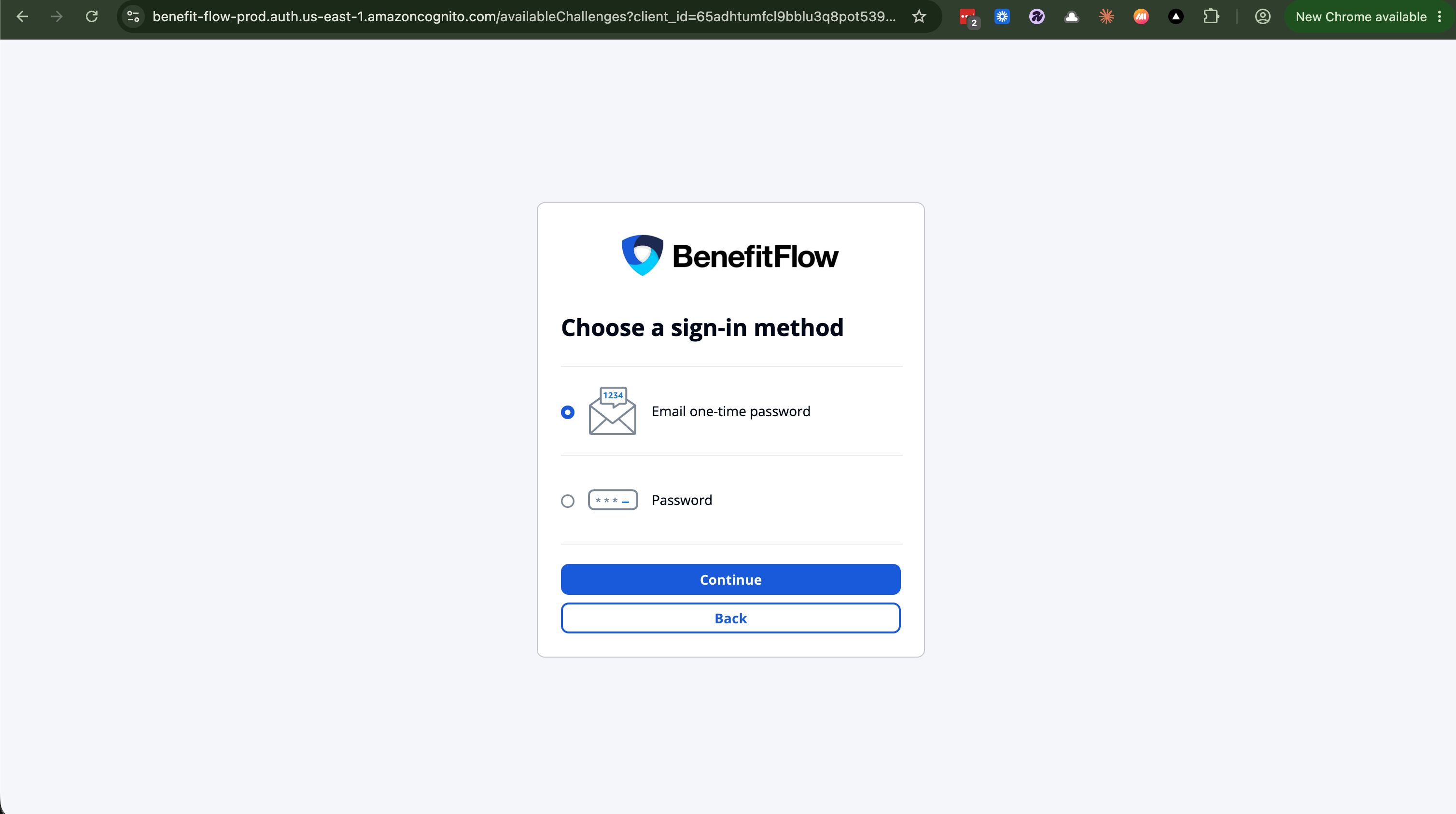
Signing in is passwordless. Enter your work email and we send you a one-time code. There's no password to remember or reset.
## Sign in with a one-time code
Go to [www.benefitflow.com/login](https://www.benefitflow.com/login).
Enter your work email.
Check your inbox for a code from [onboarding@benefit-flow.com](mailto:onboarding@benefit-flow.com) (subject "Your BenefitFlow authentication code"). It's good for 15 minutes and works once.
Enter the code and you're in.
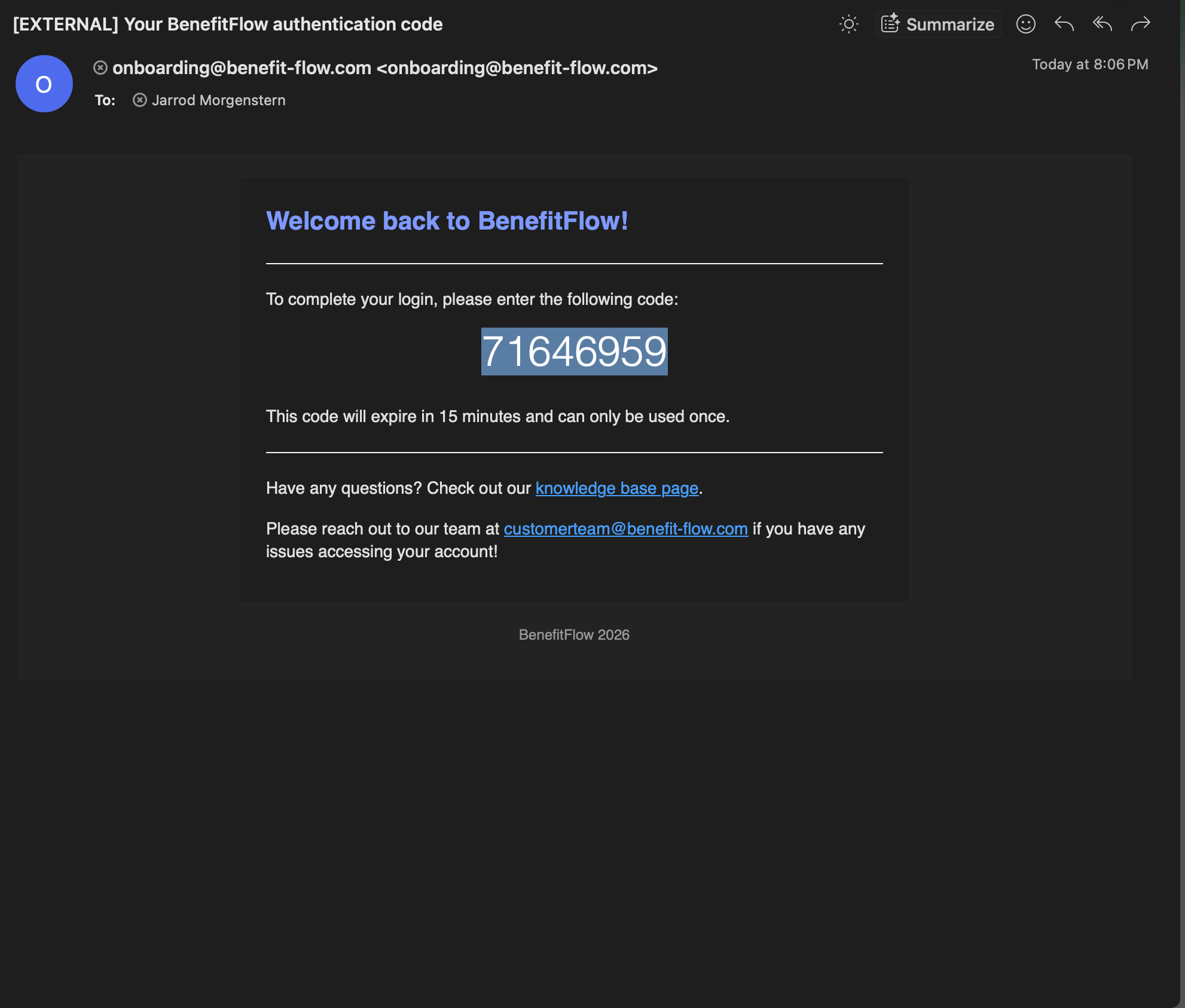 Don't see the code? Check your spam or junk folder, and ask your IT team to allow email from benefit-flow\.com. More fixes in [Login troubleshooting](/knowledge-base/login-troubleshooting).
## Prefer a password?
You can still use one. On the sign-in screen, choose **Try another way**, then **Password**. If you've never set a password, the one-time code above is the fastest way in.
## Can't get in, or forgot your password?
There's nothing to reset. Sign in with a one-time code using the steps above, that's the way back in for everyone. Team admins can't reset passwords on your behalf.
Still stuck? Email [customerteam@benefit-flow.com](mailto:customerteam@benefit-flow.com) and we'll get you in.
Don't see the code? Check your spam or junk folder, and ask your IT team to allow email from benefit-flow\.com. More fixes in [Login troubleshooting](/knowledge-base/login-troubleshooting).
## Prefer a password?
You can still use one. On the sign-in screen, choose **Try another way**, then **Password**. If you've never set a password, the one-time code above is the fastest way in.
## Can't get in, or forgot your password?
There's nothing to reset. Sign in with a one-time code using the steps above, that's the way back in for everyone. Team admins can't reset passwords on your behalf.
Still stuck? Email [customerteam@benefit-flow.com](mailto:customerteam@benefit-flow.com) and we'll get you in.