

How filters work
Your filter panel shows a focused set of filters up front, the ones most people use, so you’re not scrolling past dozens of options to reach the one you want. Everything else is one click away, and you can pin the filters you use most so they stay at the top.Show all filters
Under the filter panel, click Browse all filters to open the full list. Filters are grouped by category (Employer, Employer’s Broker, Employer Health & Benefits, Retirement, P&C), and you can search by name. Set the filters you want, then click Apply Filters.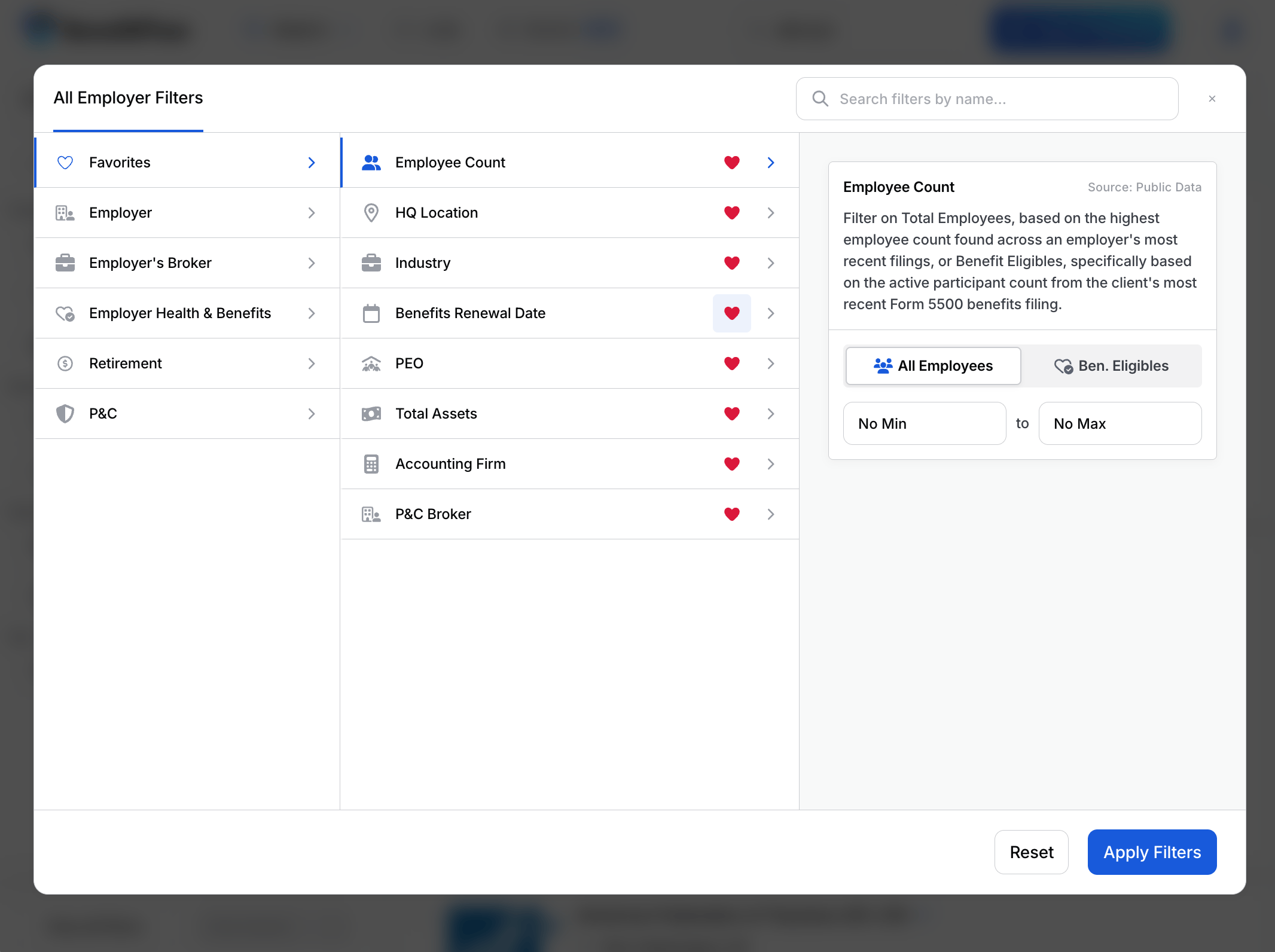
Favorite the filters you use most
Click the heart next to any filter to add it to your Favorites. Favorited filters pin to the top of your filter panel on every search, so your go-to filters are always one click away. Click the heart again to remove one. Your favorites also live under the Favorites tab in the All Filters window.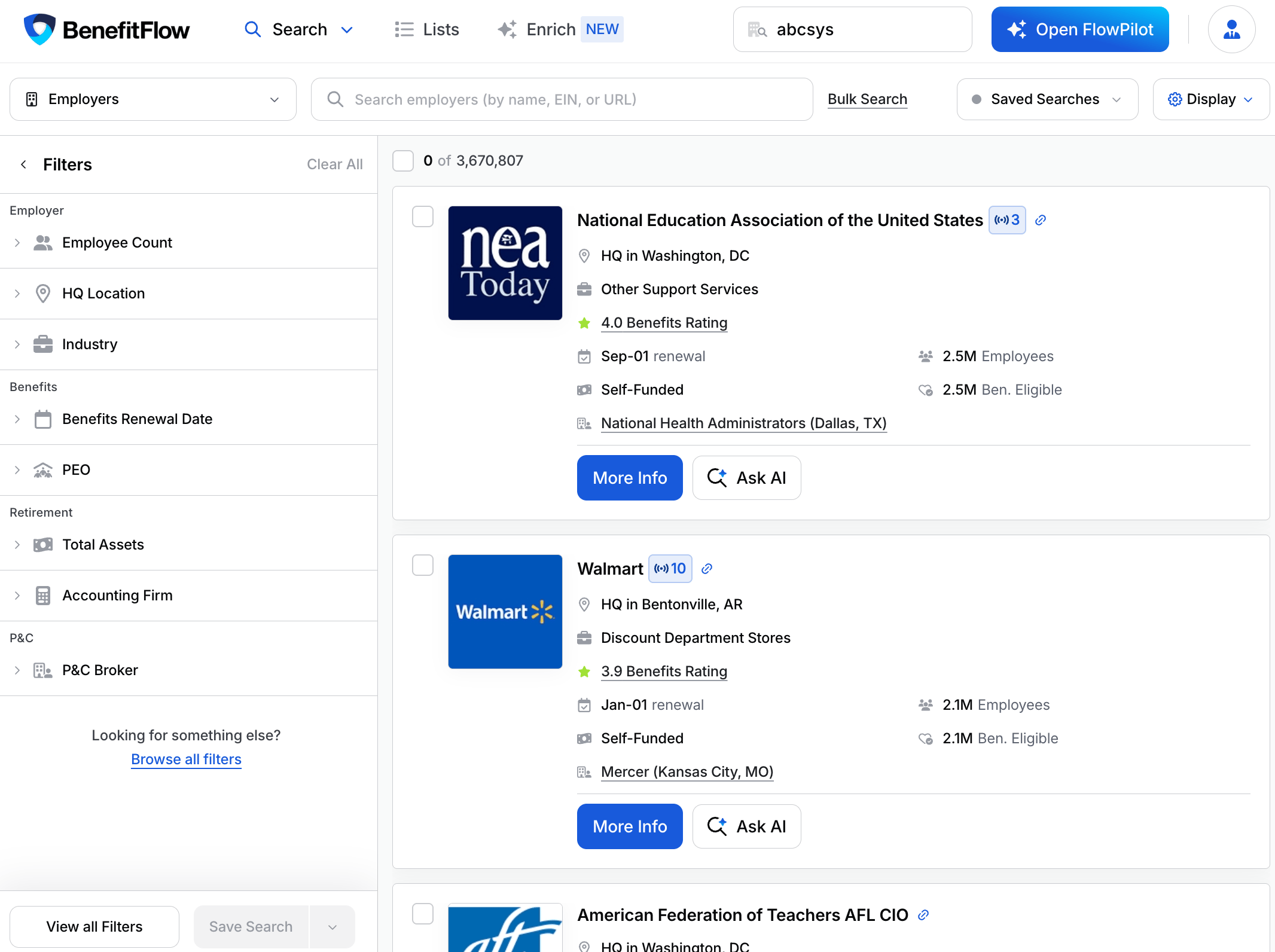
Where the data comes from
Sources use the same definitions as the Data Glossary.Filter controls
Two controls apply across the catalog:- Presence. Qualifying filters (PEO, Benefits Broker, Benefits Carrier, P&C Broker, P&C Carrier, Recordkeeper) ask two questions separately: does the employer have one at all (Any / None), and if so, which one. Use Any to find everyone with a PEO; pick a name to find users of that specific PEO.
- Include and exclude. Every filter supports both. Excluded values show struck through in the filter panel, and results leave them out.
Employer Search
Company
Health & Benefits
Retirement
P&C
Signals
Filter to accounts by the timely events on them, such as an upcoming renewal, a recent broker or carrier change, or a compliance flag. In Browse all filters, open the Signals tab, pick a signal, and set it to Has (only accounts with it), None (exclude them), or Any. Time-based signals can also be narrowed by a recency window (last 7, 30, or 90 days, 6 or 12 months). Available on Employer and Broker search, and combines with any other filter. See Signal Categories for the full list.Broker Search
Find brokerages and filter by their book of business. Primary Broker, Broker Tenure, and Broker Commissions are also available as filters on a broker office’s Clients list.
You can also filter brokers by any attribute of their clients (book of business) using the same Employer filters above: Industry, Employee Count, Benefits Carrier, Funding, P&C, and more.
Contact Search
Find people. Two types share the core filters below: Employer Contacts (benefits buyers at employers) and Broker Contacts (people at brokerages).
Broker Contacts also offer:
When searching Employer Contacts you can also filter on every Employer attribute above (Industry, Benefits Carrier, Retirement, P&C, and more) to target people by their employer’s profile. Broker Contacts can also be filtered by broker Office Location and Broker Size.