

What an Intent Signal tells you
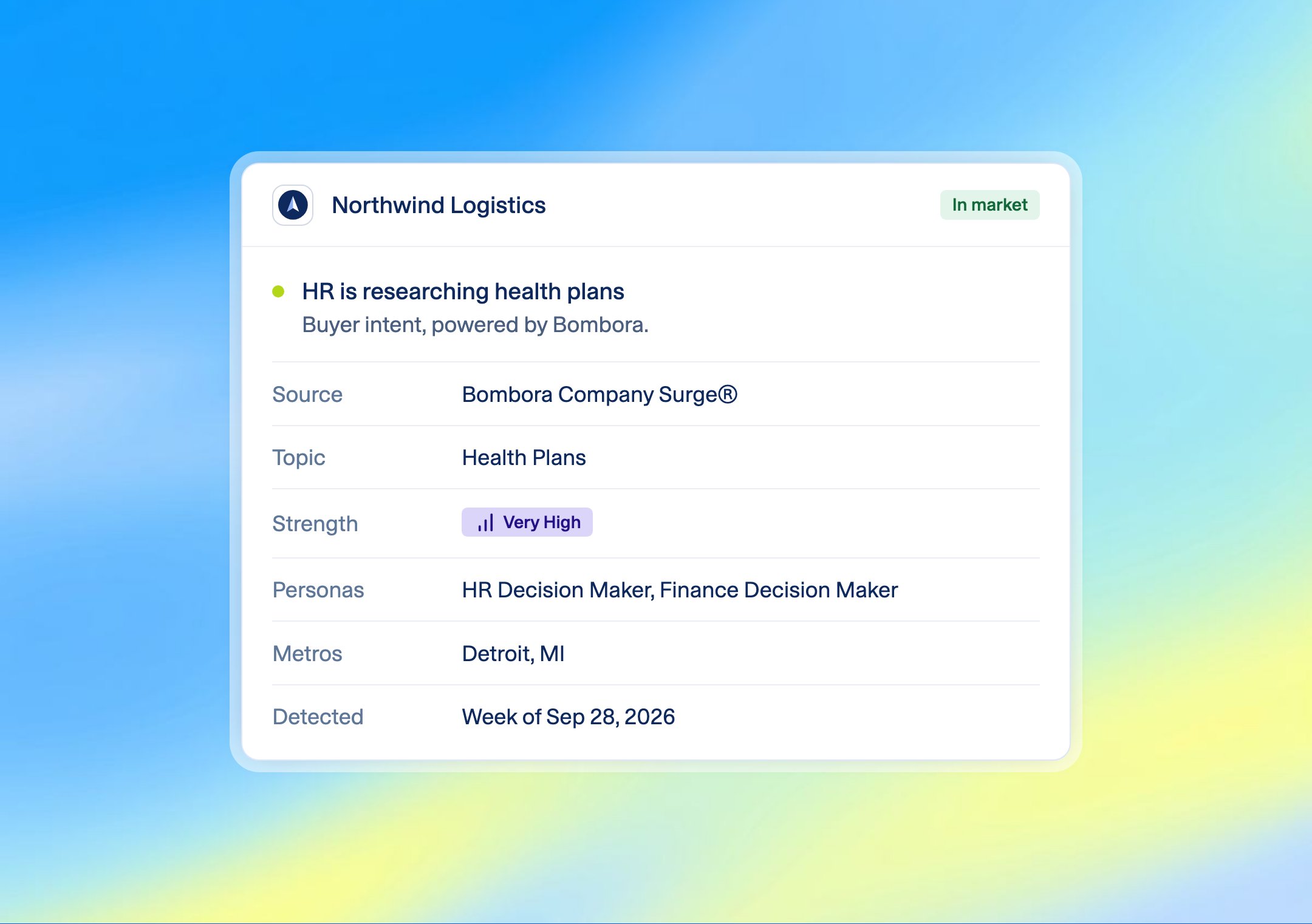
Bombora tracks how much companies are researching business topics across thousands of B2B websites. When an employer’s research on one of your topics climbs well above its normal level, BenefitFlow shows a signal for that topic. Each signal shows:- Topic: what the employer is researching
- Strength: High, or Very High for the strongest spikes
- Details: hover for the roles and metro areas driving the research, and the week it was detected
Where you’ll see them
- Employer profile: at the top of the Signals tab, one card per topic.
- Search results: hover the Signals badge on any row. Intent is listed first.
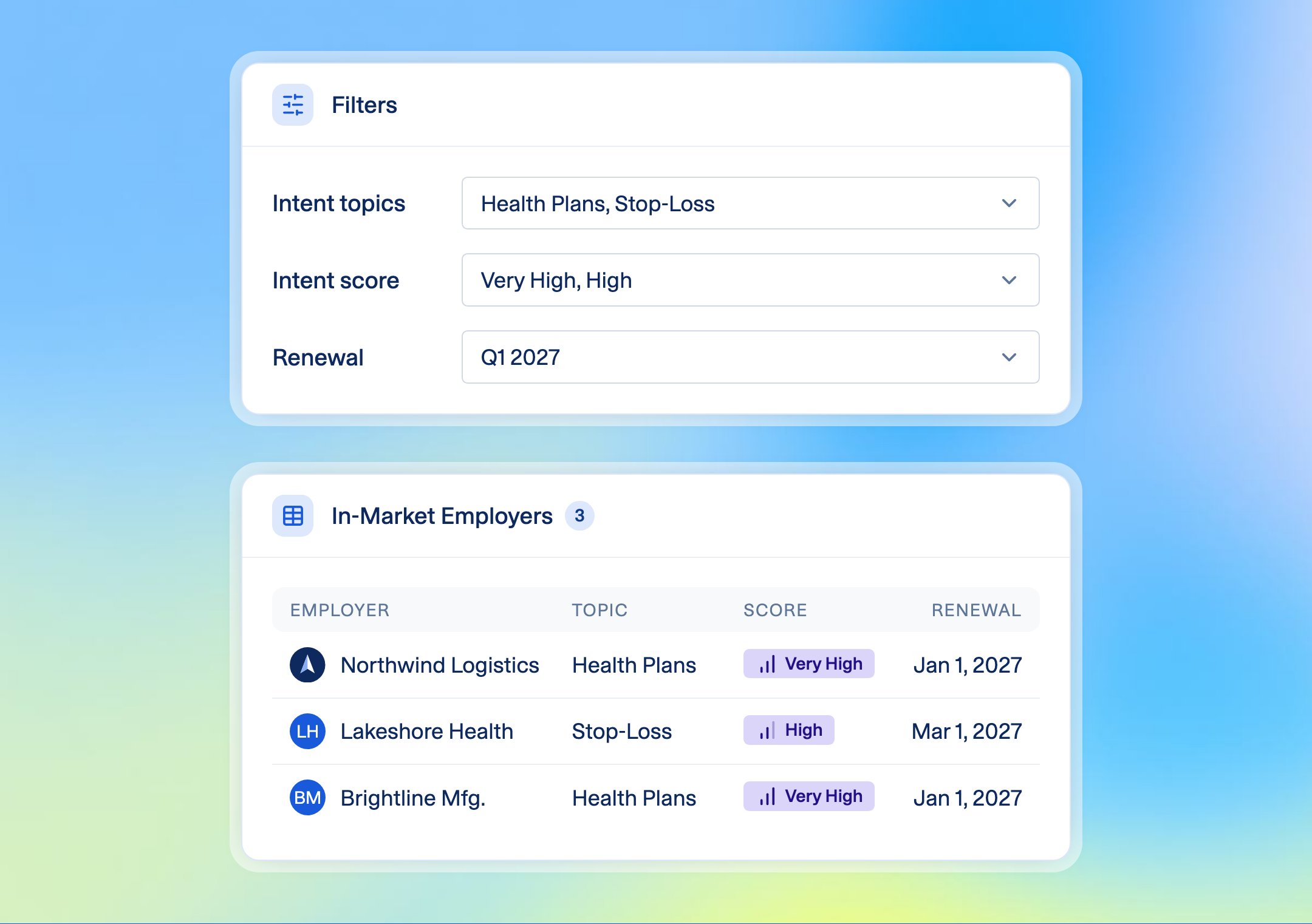
- Search filters: filter employers by Intent Topics (any of your active topics) and Intent Score (High, Very High). Combine them with any other filter.
How often they update
Every week. Each signal compares the last three weeks of research against the employer’s normal level over the prior 12 weeks. When the research cools off, the signal drops off.Choosing your topics
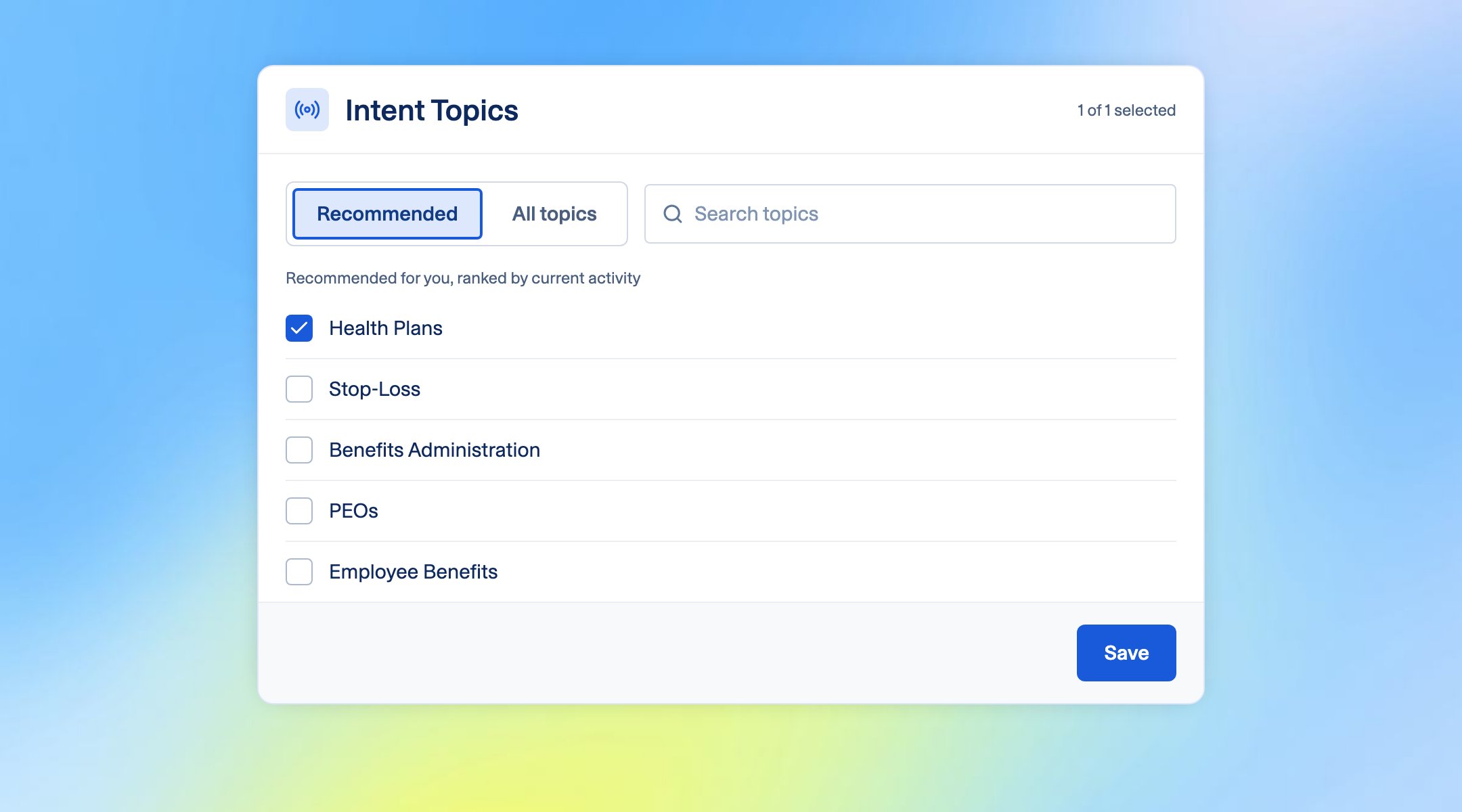
Your team’s topics apply to everyone on your account. Every team starts with one topic, included in your package. Admins can change topics on the Team Management page. Everyone else sees the topics their admin picked.1
Go to Settings → Team Management
2
Open Intent Topics
3
Pick from the Recommended list, or search for a topic
4
Click Save
Things to know
- Intent shows active research on a topic. Use it to decide who to reach out to and what to lead with.
- Signals cover employers only.
- An employer with no signal isn’t uninterested. It just hasn’t spiked on your topics recently.